 Ouch Now
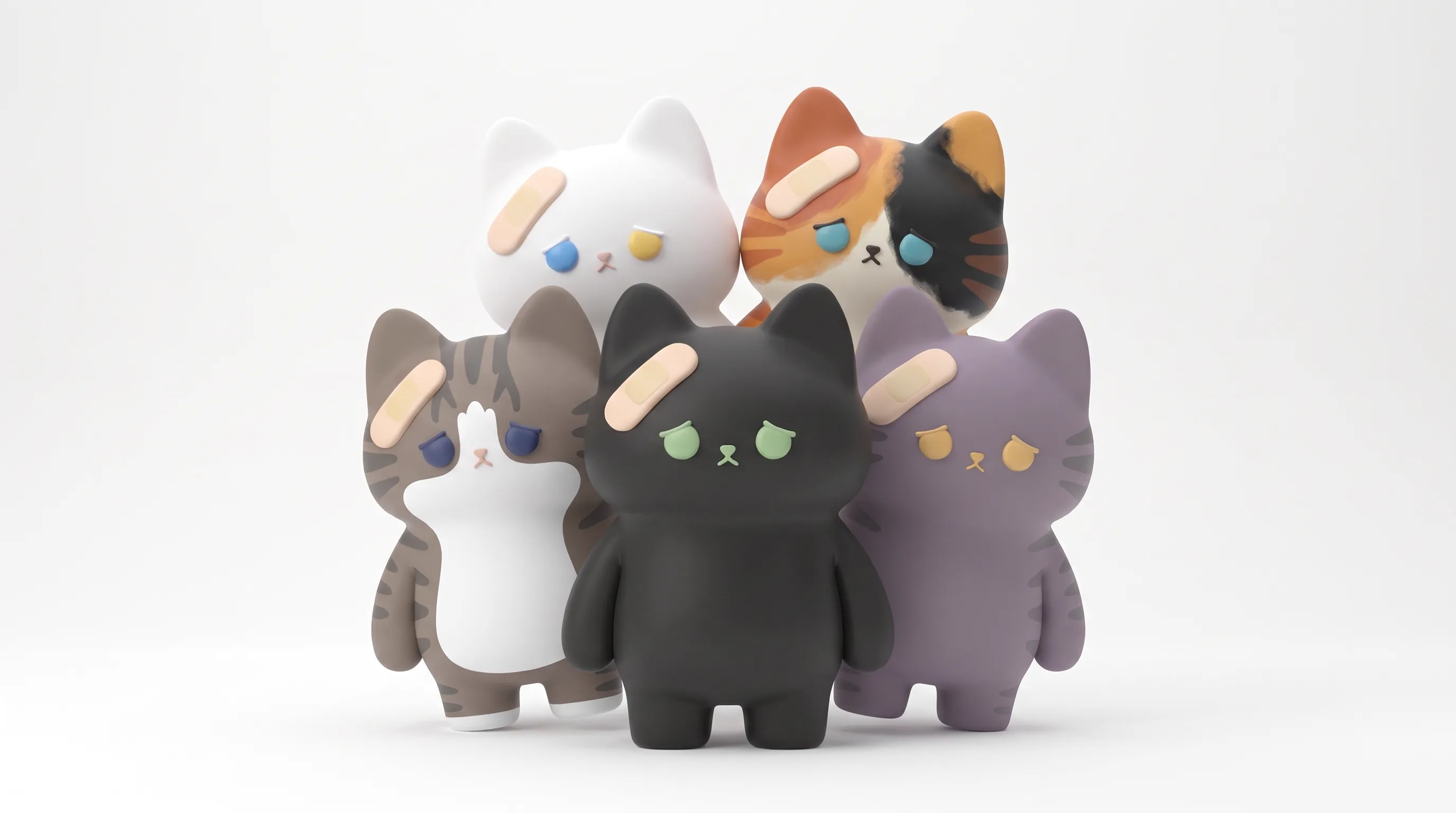
Thank you
You're all set.
Loading…
Getting your license key…
Activate Ouch Now
- Open Ouch Now. If it isn't installed yet, download it here.
- Open Settings → License and click Enter license key.
- Paste the key and click Activate.
A license works on one Mac at a time. To move it to another Mac, enter the same key there.
Restore
Restore a license key
Enter the email you used at checkout and the Transaction ID (it starts with txn_) from your Paddle receipt. You can also do this in the app: Settings → License → Restore.
License key
Questions about the app: [email protected]. Orders, payments and refunds: through your Paddle receipt or paddle.net.